Create your account, find your way around the four screens, and be set up with your own customers in about ten minutes.
Sheetsmith CRM answers one question: who should I get in touch with today? Everything in it is there to keep that answer right. This guide gets you from nothing to a working set-up.
There is no card to enter. Every new account starts with 30 days and no limit on contacts; after that the free plan holds 25 contacts with every feature, for as long as you like, and nothing is deleted.
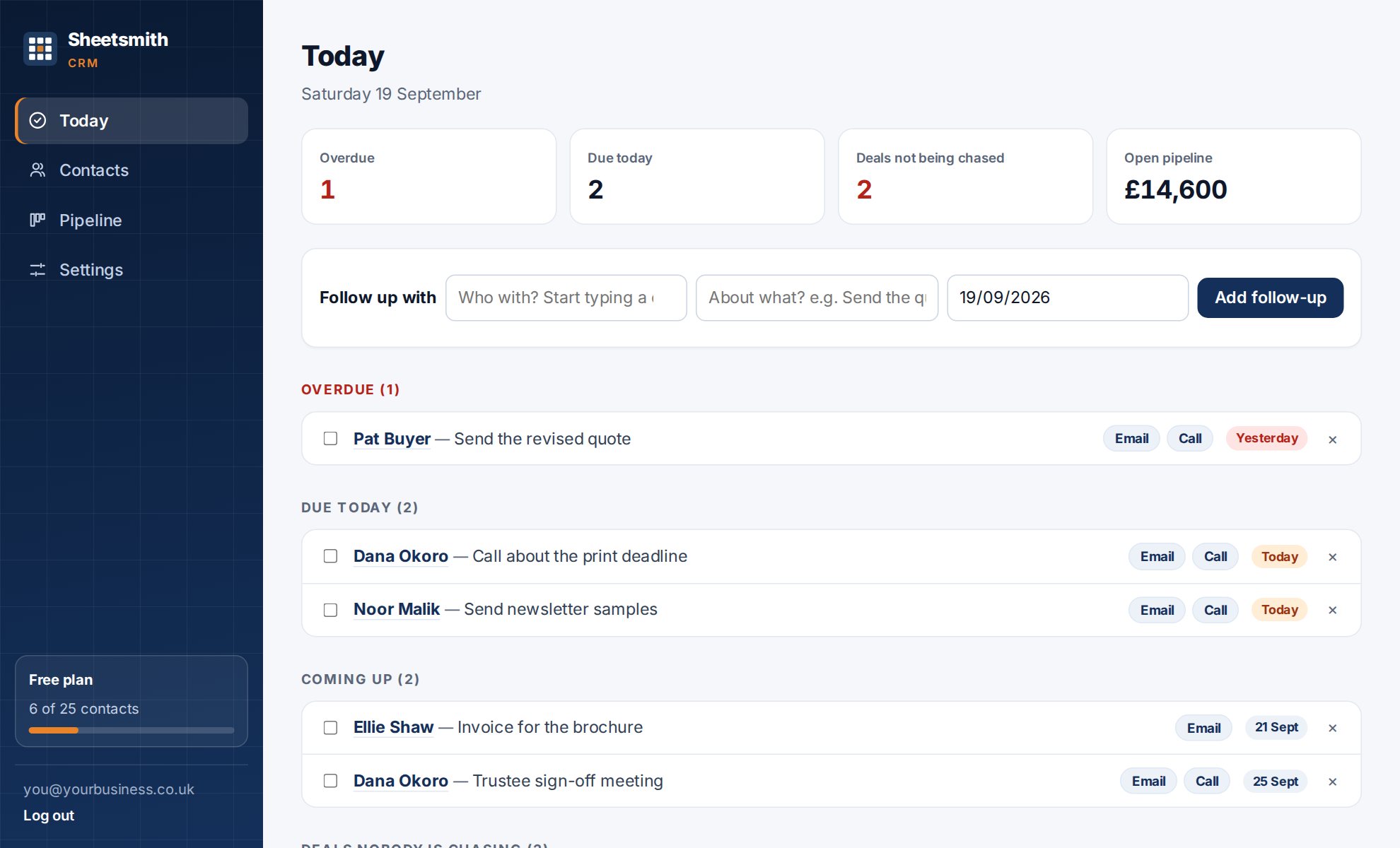
A new account opens on a welcome panel with three choices:
| Screen | What it is for |
|---|---|
| Today | What is overdue, what is due today, what is coming up, deals nobody is chasing, customers who have gone quiet, and won work that has not been paid. The screen to open with your coffee. |
| Contacts | Everyone you deal with. Search, sort by name or by longest since you were in touch, and open a person to see their whole history. |
| Work the list | Filter your contacts (by tag, source, one of your own fields, how long since contact, whether anything is booked) and go through them one at a time, logging each. Your call list. |
| Pipeline | Work you have quoted for, as cards in columns, with a value per stage and in total. The stage names are yours to change. |
| Settings | Your plan, your team, importing, your phone, exporting and deleting your data. |
The orange + New enquiry button is on every screen. It takes a name, a phone number, one line about what they want and a follow-up date, and saves all of it in one go. It is for the phone call that comes while you are on a job.
You stay logged in on a device for seven days. Log out is at the bottom of the side menu on a computer, and at the top right on a phone. If you forget your password, choose Forgot your password? on the login page and we email you a reset code.
Next: Import your contacts
Read it Sheetsmith